
The POS that runs your business and helps it grow
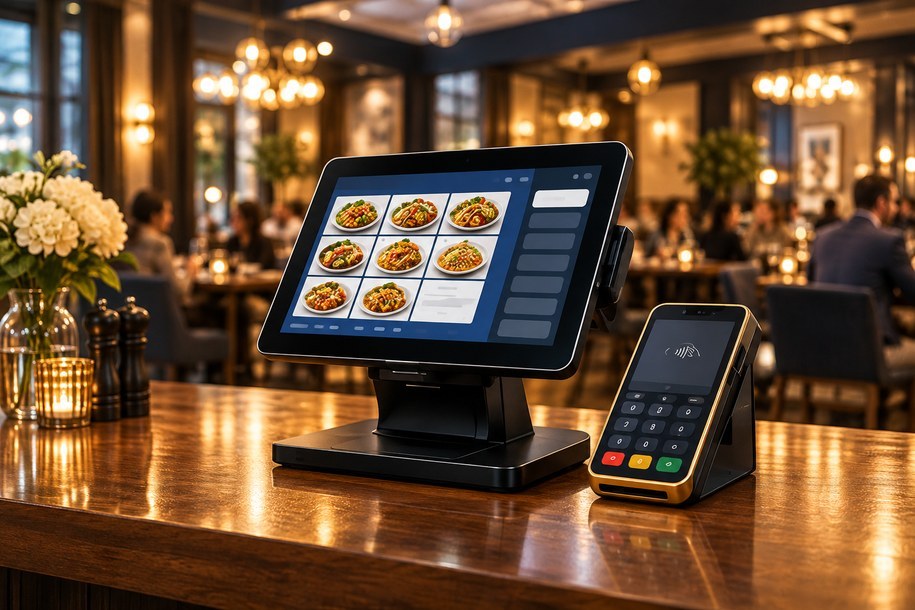
Ring a dish, scan a barcode, weigh the deli order or check an ID, all on one register. Kitchen tickets, tables and tabs, stock counts, kiosks and handhelds, with a dashboard that shows how today compares with last week. All of it in your own colors.
- Keeps ringing when the internet drops
- In beta testing now
- Set up with your own products
Built for the way you sell
- Restaurants and bars
- Quick service and pizzerias
- Cafes and food trucks
- Retail shops and boutiques
- Convenience and liquor stores
- Delis and markets
- Service businesses
A register your staff learns in one shift
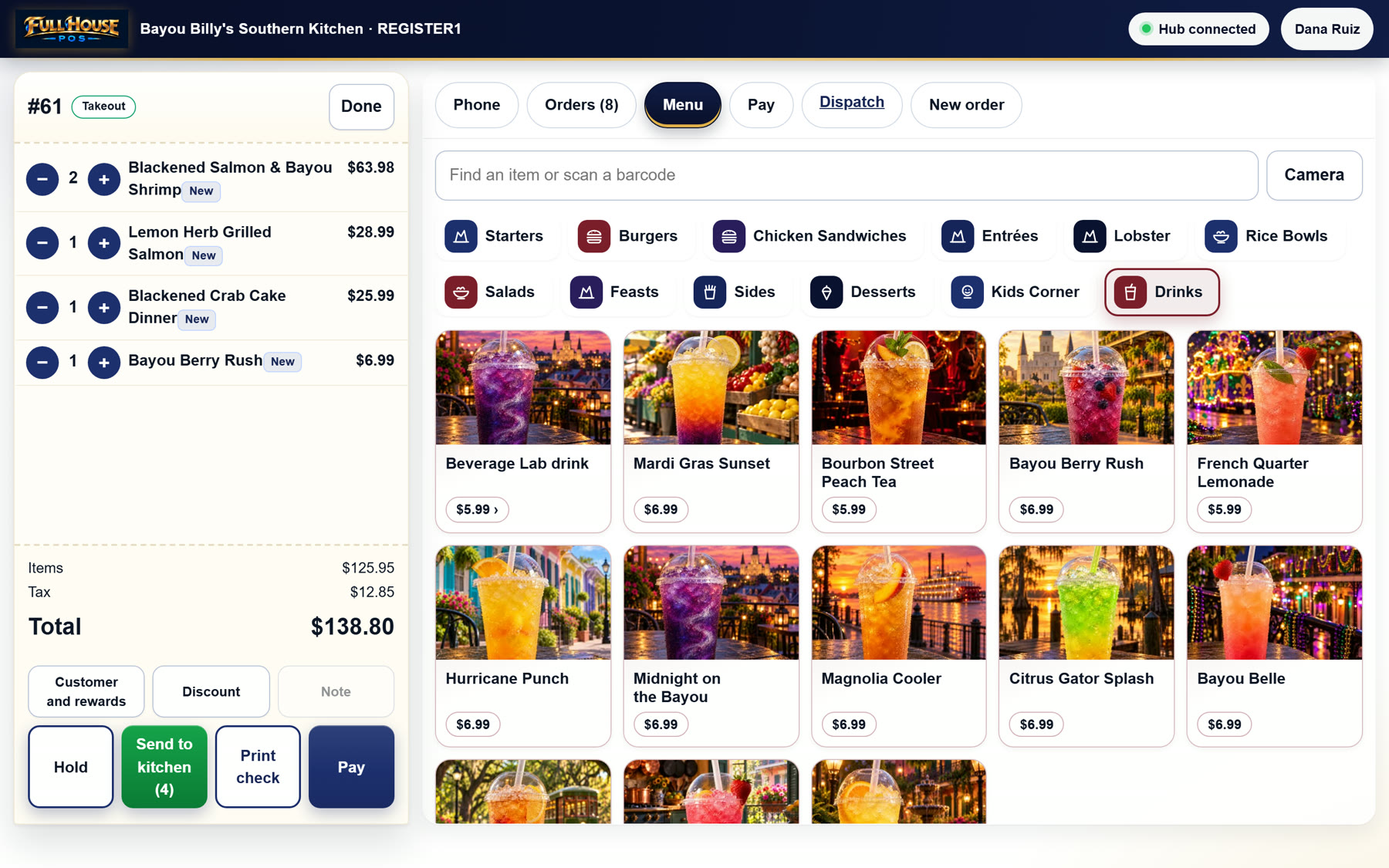
Every item shows as a photo with its price, or rings in from a barcode scan, so a new cashier finds it at a glance. Four big buttons do what a rush needs most.
- Hold sets an order aside and picks it up again from Orders.
- Send to kitchen fires every new item to the right station at once.
- Print check hands the guest a check before they pay.
- Pay takes cards, cash, gift cards and split checks, with tips.
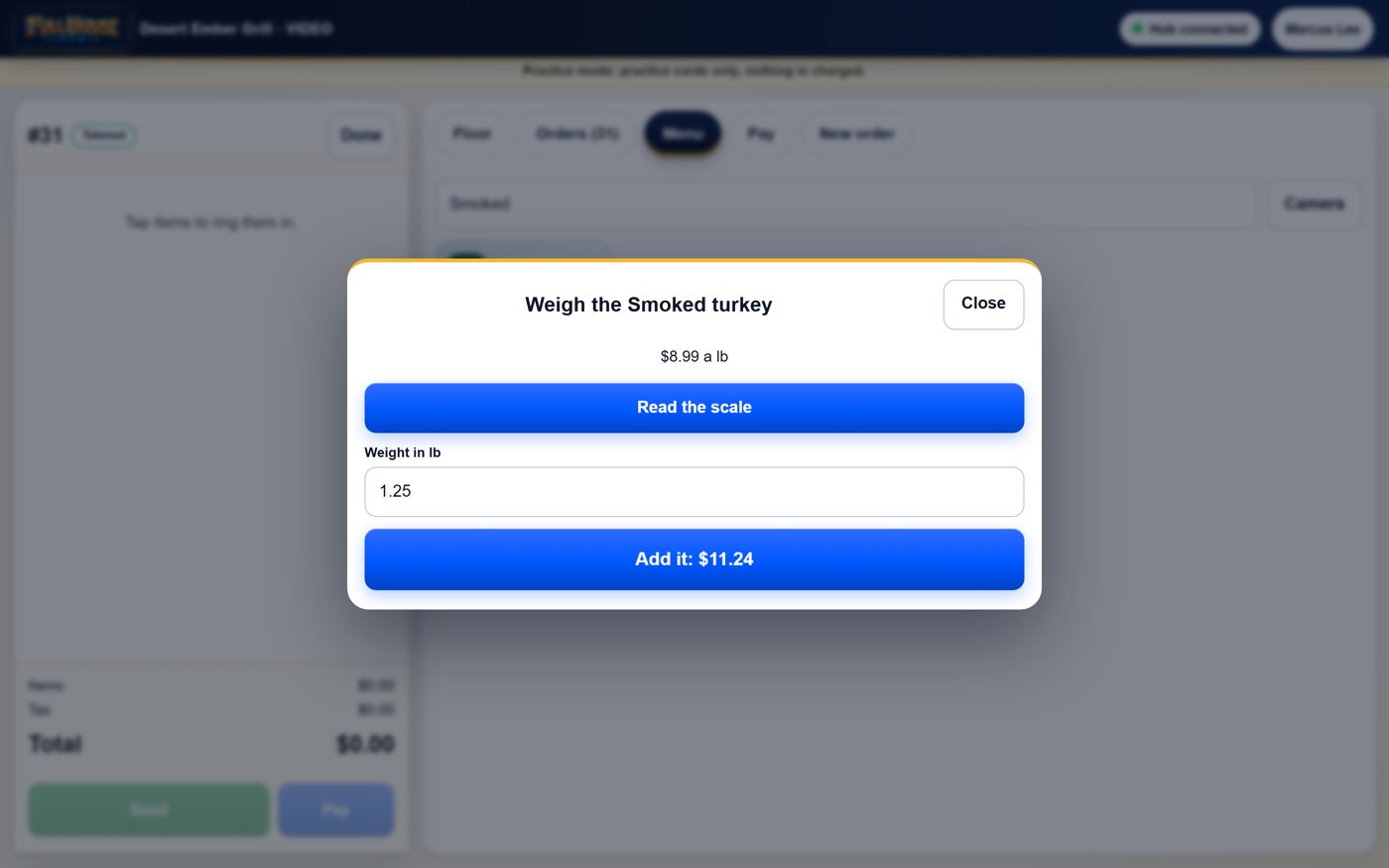
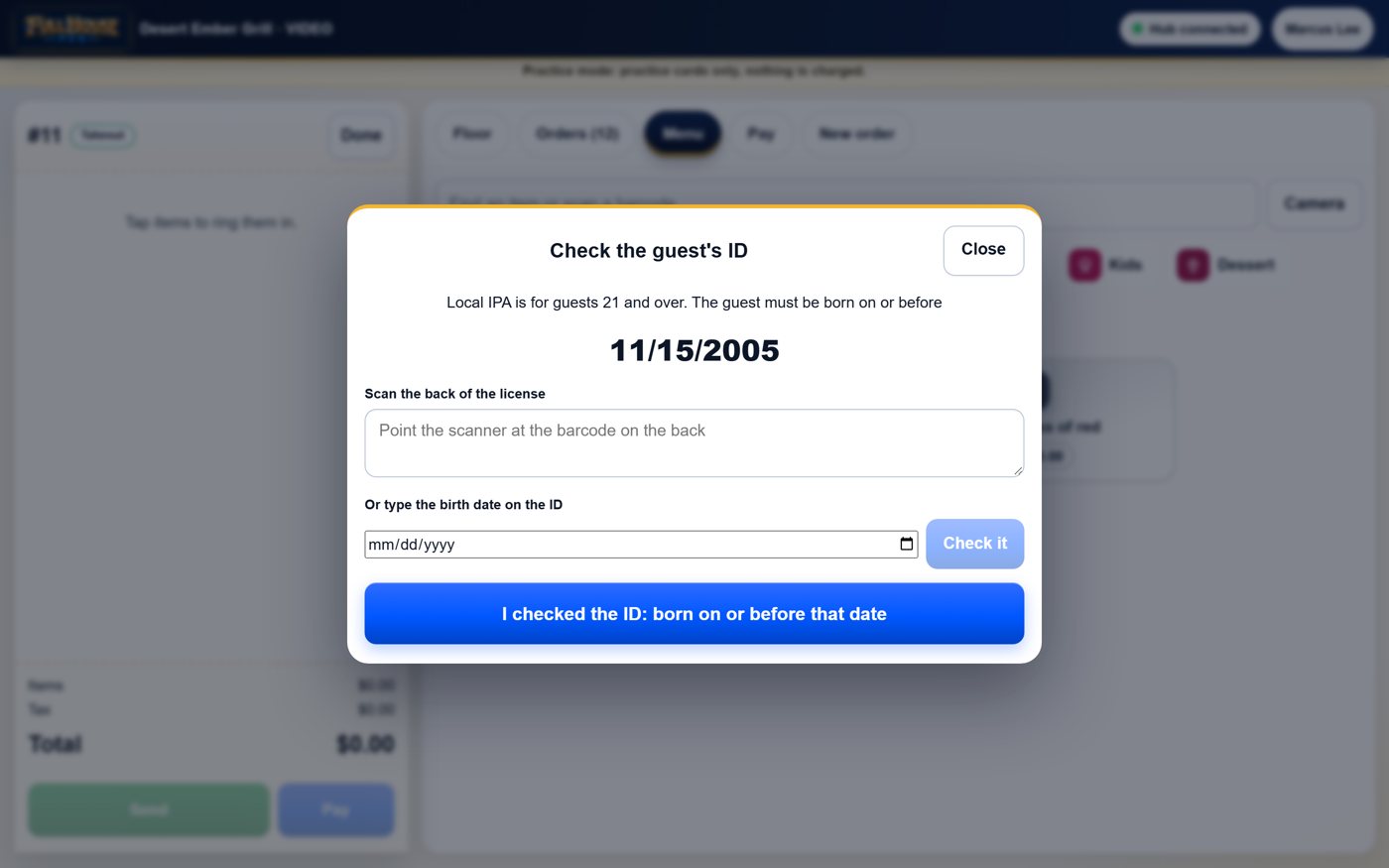
Scan it, weigh it, check the ID
The same register runs a shop, a convenience store or a market counter. Scan the barcode, read the scale, and let the register do the age math.
- Barcode scanning with a USB or Bluetooth scanner, or an Android handheld's camera.
- Sold by weight from a counter scale, plus your own deli and produce scale labels.
- Sizes and colors, each with its own price, barcode, SKU and count.
- ID checks for liquor and tobacco, from the barcode on the back of the license.
- Stock that counts down with every sale, with cost, margin and a reorder list.
Your restaurant's brand, with Full House POS behind it
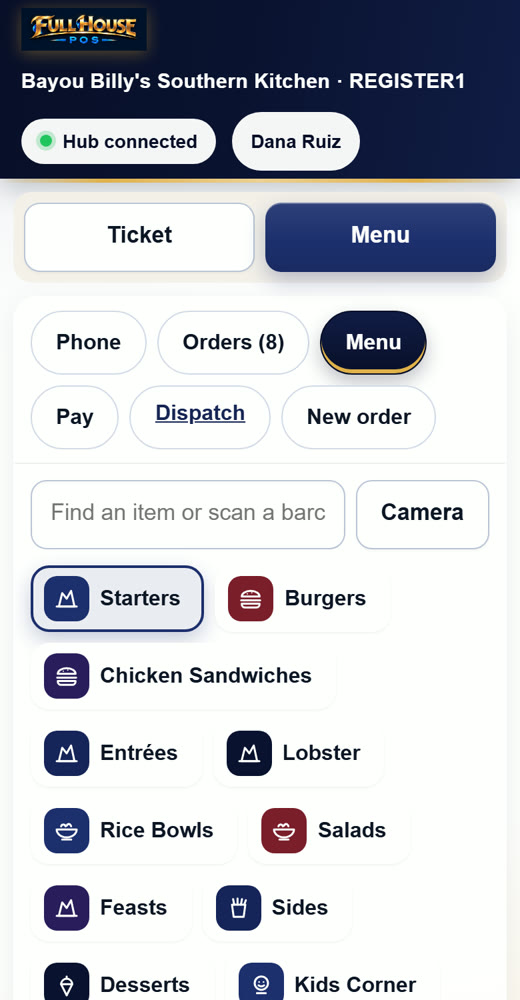
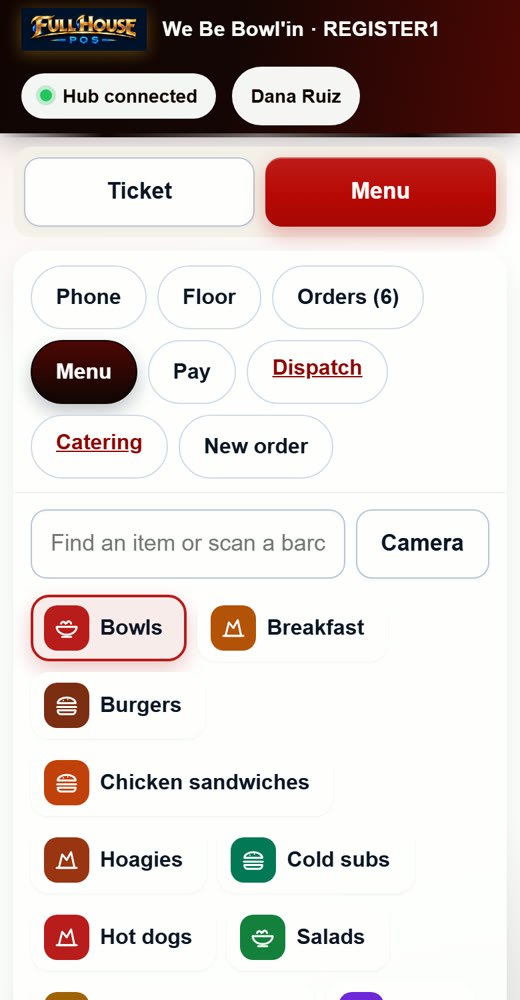
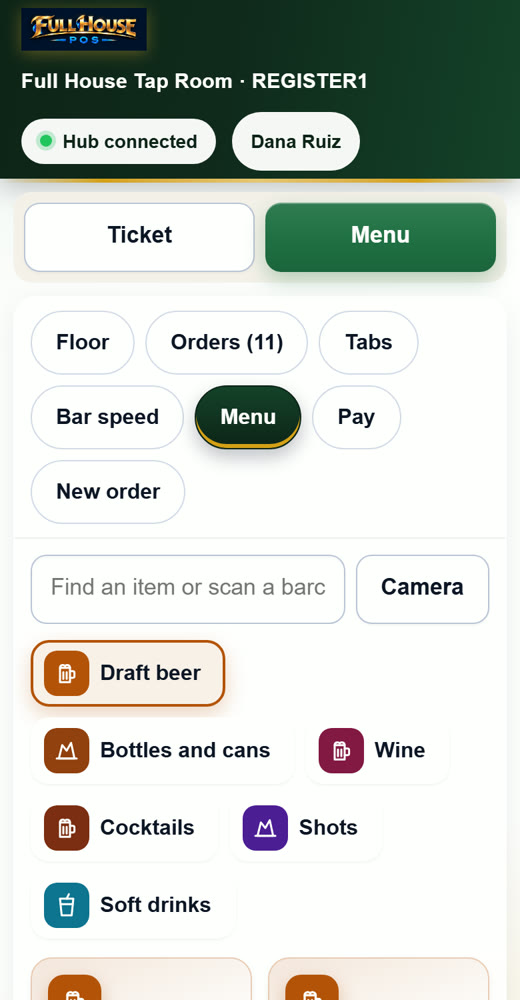
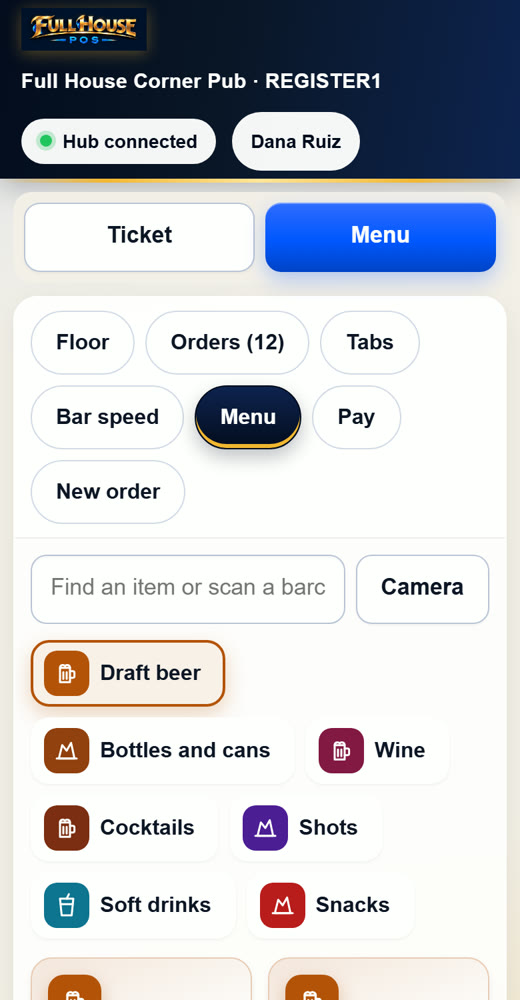
Your colors go on the buttons, the tables and the highlights, and the words on every button switch to black or white so they always read.
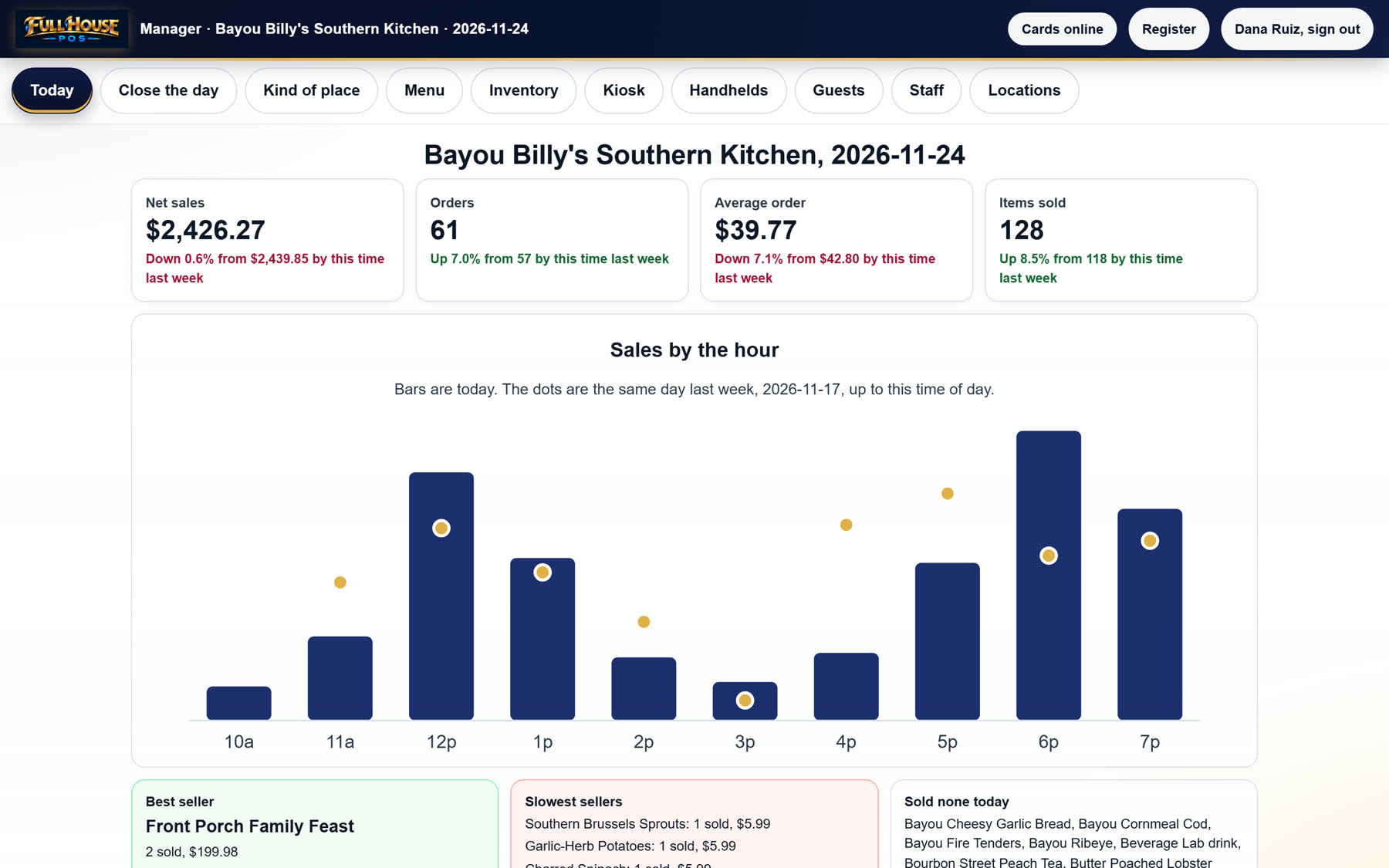
Know how today is going before the rush hits
The owner's dashboard sets today beside the same day last week, counted up to this hour, so a slow lunch shows while there is still time to act.
- Net sales, orders, average order and items sold, each with its change.
- Sales by the hour, today against last week.
- The best seller, the slowest sellers and what sold none.
- The nightly close, tips, tip out, labor and every void, comp and discount.
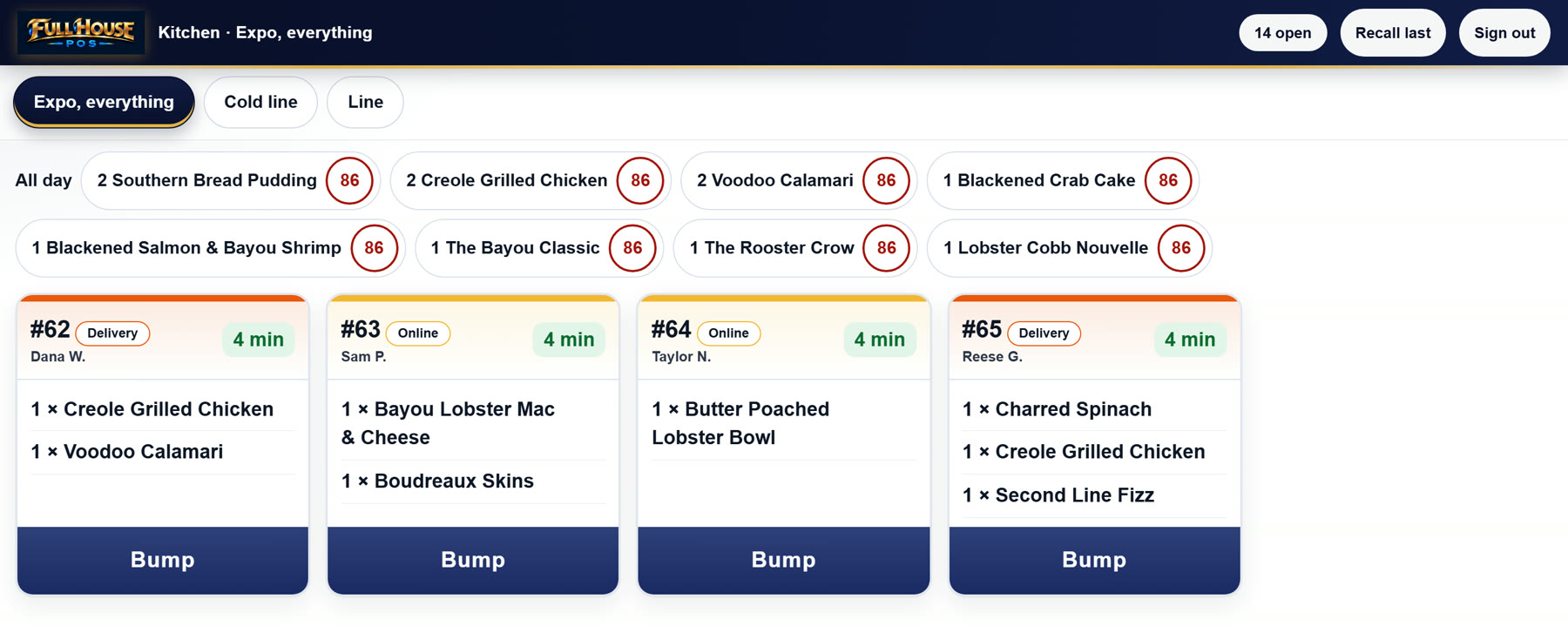
Every ticket at the right station, timed
Tickets land on the kitchen screen the moment they are sent, by station, with a running timer, the order type and every note and allergy. The all day counts tell the line what is still cooking.
- Online, phone and catering orders land beside the counter's.
- Bump a ticket, and recall the last one with a tap.
- Kitchen printers get the same ticket, allergy flag in bold.
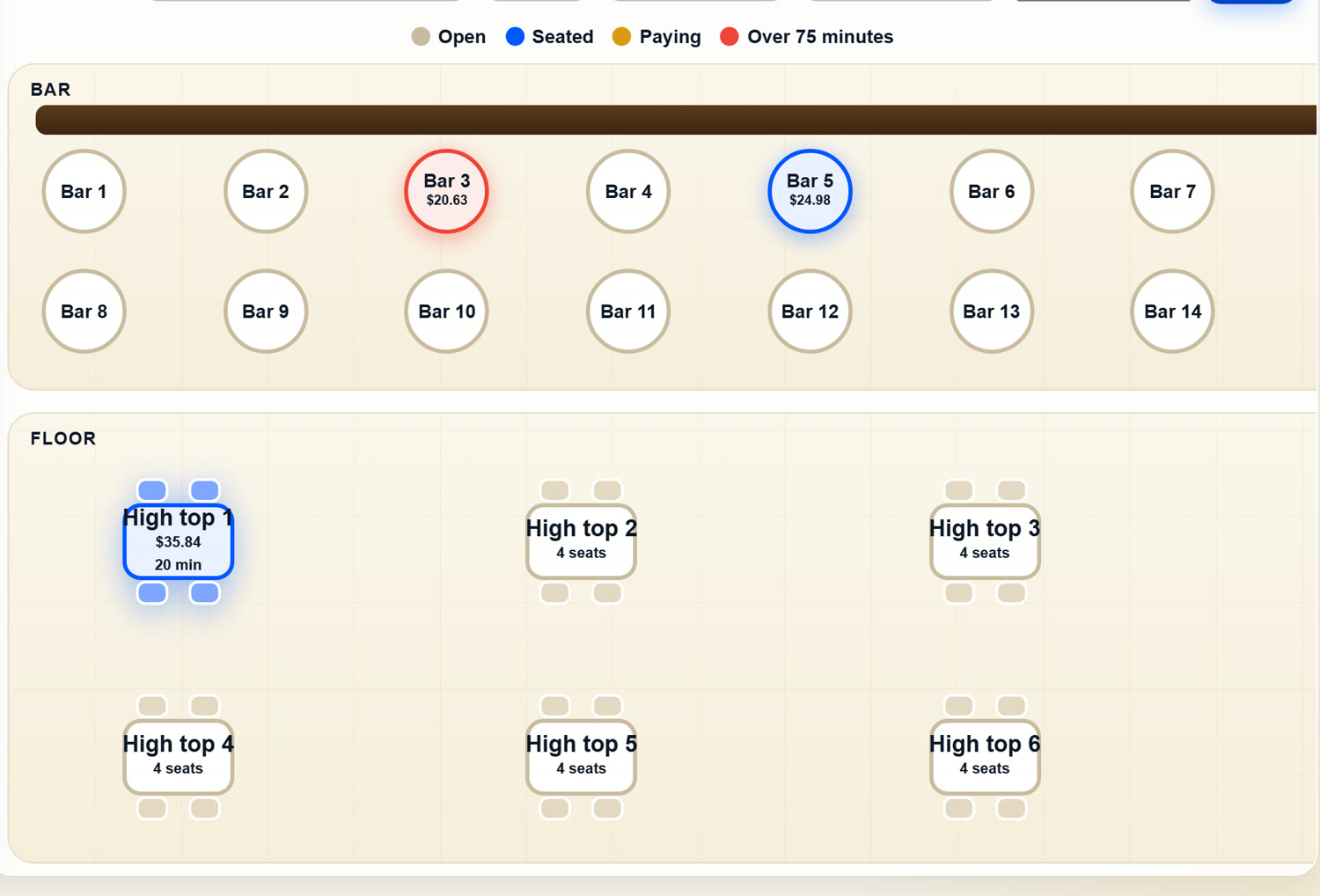
Your floor, drawn the way it really sits
Lay out your rooms and bar at setup, drag every table into place, and watch each one turn from open to seated to paying. A bar opens on its tab wall, with a speed screen for the rush.
- Bar seats, high tops, booths and two to six tops.
- Tabs found by name, card or tab number, with a card held.
- A wait list on the floor, and seats and courses at every table.
One system on every screen in the house
The counter, the floor, the kitchen and the guest all run on the same Full House POS, so an order rung anywhere shows up everywhere.
Counter station
A touch station at the counter with a card terminal, a receipt printer and a cash drawer.
Handhelds
Servers take orders at the table and the bar, and send them straight to the kitchen.
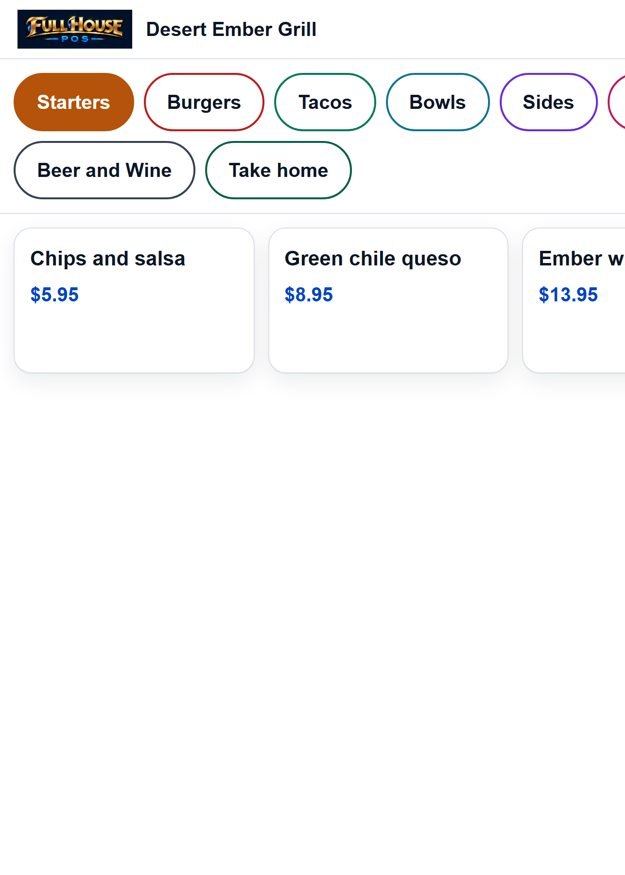
Self-order kiosks
Guests order and pay on their own, and each paid order goes to the kitchen. Quoted with your setup.
Kitchen screens
Timed tickets by station, with every note and allergy, and a kitchen printer as a backup.
- Guest screen
- Card terminals
- Receipt printers
- Kitchen printers
- Cash drawers
- Barcode scanners
One system for the front and the back of the house
Every plan has every feature below. Self-order kiosks are quoted with your setup.
Phone and delivery
Caller history and your own drivers on a dispatch board, with DoorDash couriers in beta testing.
Online ordering
Orders from your own site land on the register and the kitchen screen.
Ask Full House
Ask how the day is going, and the answer comes from your own numbers.
Rewards and gift cards
Guests join on the guest screen, earn on every visit and redeem at the counter.
Inventory
Counts that run down with every sale, cost and margin, and a reorder list.
Pizza builder
Toppings on the whole pie, a half or a quarter, priced the way you price them.
Staff and control
A PIN for each person, the time clock, and manager approval above set limits.
Catering
Catering requests confirmed on a call, with the card held and charged the day before the event.
Works offline
It runs on a computer in your business, so the register and kitchen keep going.
Simple monthly software, included on Full House processing
Pay for the stations you use, or run your cards on Full House processing and the software comes with it.
for the first station
- $29 a month for each added station
- $15 a month for each kitchen screen
- $19 a month for each handheld
with Full House processing
- Every station, kitchen screen and handheld
- Every feature on this page
- Setup with your own menu or products
Counter Starter, one time
- A tablet station, a card terminal, a receipt printer and a cash drawer
- Full Service is $3,199, with a guest screen, a kitchen screen, a handheld and a kitchen printer
What owners ask first
What happens when the internet goes down?
The register keeps ringing and the kitchen keeps getting tickets, because the system runs on a computer in your business.
Does it only work for restaurants?
No. Restaurants and bars, retail shops, convenience and liquor stores, delis, markets, food trucks and service counters all run on it. You pick your kind of business at setup, so a bar opens on its tabs, a restaurant on its tables, and a shop on a register that scans.
Can it carry my restaurant's colors?
Yes. Your colors go on the buttons, the tables and the highlights, and the POS checks every color so the words on each button always read.
Can I use my own hardware?
Full House POS runs in a web browser, so it works on touch screens, tablets and computers. We can tell you which of your current devices will work.
Who owns my data?
You do. The owner can download every order, guest, gift card, shift and close in one file whenever they want.
How do I get started?
Call or text 833-918-9080. Sebastian answers day and night, learns what kind of business you run, and sets up a walkthrough with our team on your own menu.
Four programs built to work as one
Full House POS stands on its own, and it shares your guests and your numbers with the rest of the Full House family.

Full House Formula
A smart AI website that brings in guests and moves them onto your own ordering page.

Full House Catering
Catering orders from offices, parties and events.
Full House POS
The register, the kitchen and the stock counts, where every order comes together.

Walk-In Back Office
Ingredient counts, recipes, food cost and vendor invoices read from a photo.
See it run on your own business
Tell Sebastian what you sell, and our team sets up a walkthrough with your menu or products already loaded.